Clean ZIP output
Create ZIP files that are easier to send to Windows, Linux, web upload forms, or teammates who do not need macOS metadata.
 CleanZip
Native macOS archive utility
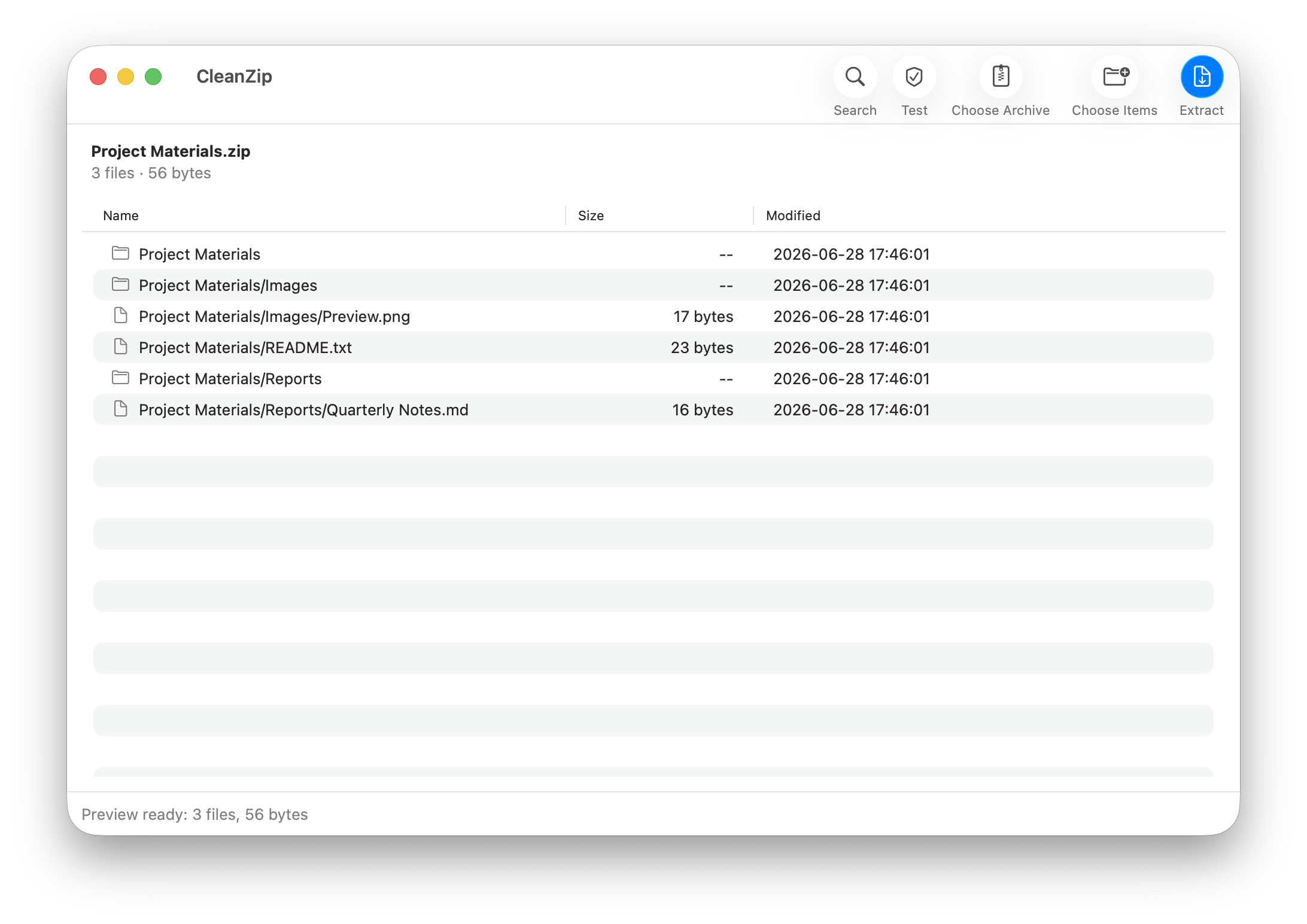
Clean ZIP for Mac users who want archives without .DS_Store, __MACOSX, or AppleDouble metadata. Preview archives before extraction, extract formats like RAR and 7Z, and create split ZIP or 7Z archives.
Latest release: CleanZip 2.6.37. Universal app for Intel and Apple Silicon Macs.
Screenshots
Why it is useful
Create ZIP files that are easier to send to Windows, Linux, web upload forms, or teammates who do not need macOS metadata.
Extract ZIP, 7Z, RAR, TAR, TGZ, GZ, BZ2, XZ, ZST, ISO, CAB, DMG, XAR, JAR, WAR, APK, and split archives.
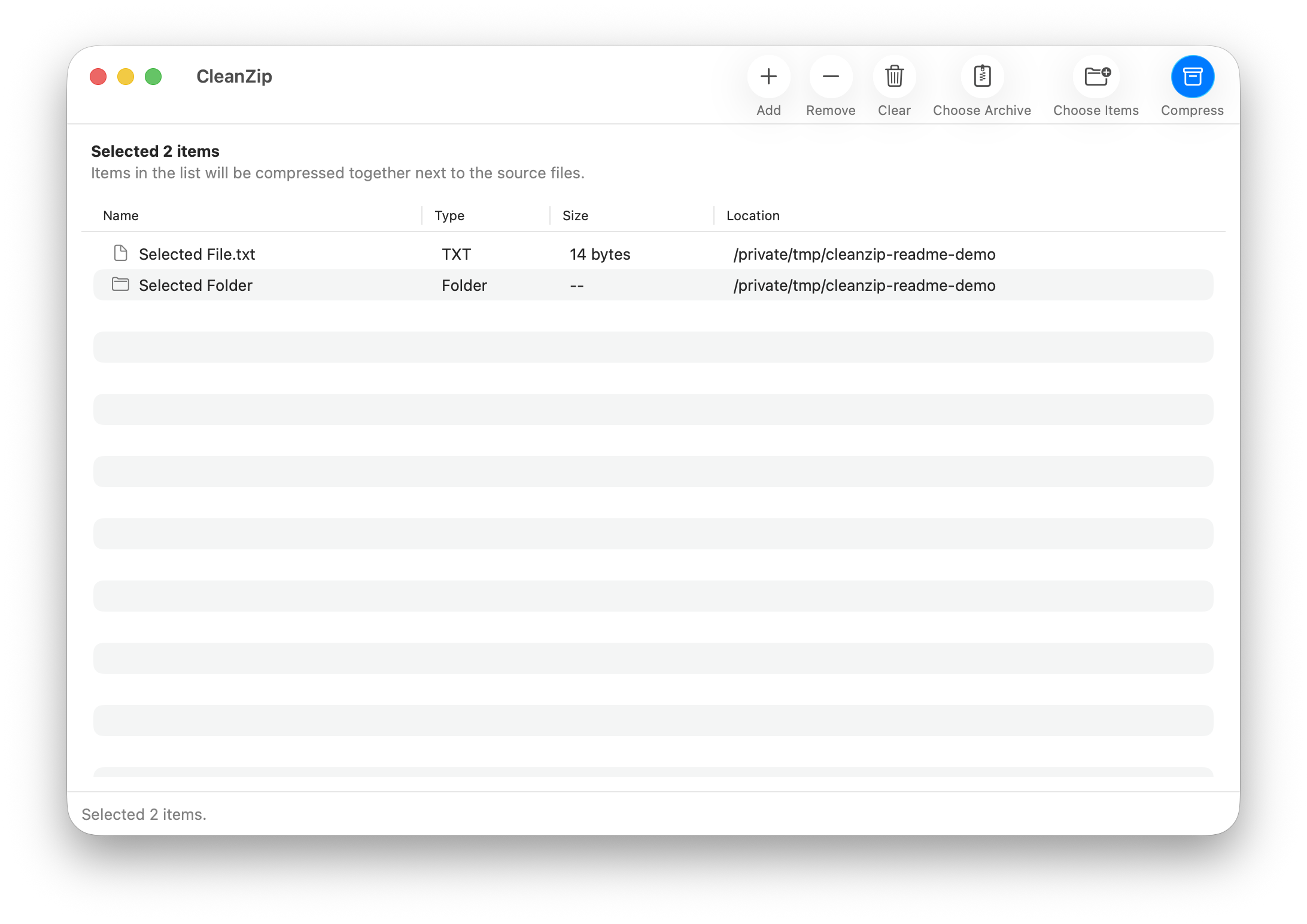
Create regular ZIP, split ZIP, regular 7Z, and split 7Z archives with presets or custom sizes.
No history database, no account, no cloud upload, no archive editor, and no always-on background app.
Uses AppKit and SwiftUI, native toolbar controls, progress HUD, notifications, and Liquid Glass interface effects on macOS 26.
Supports English, Simplified Chinese, Traditional Chinese, Japanese, Korean, French, German, Spanish, Italian, Brazilian Portuguese, and Russian.
Format support
CleanZip uses local system tools and bundled 7zz for broad extraction support while keeping creation focused on ZIP and 7Z.
Install
First install
CleanZip is ad-hoc signed and open source, but it is not notarized with an Apple Developer ID. macOS may block CleanZip-2.6.37.pkg before the installer opens and show a warning such as “Apple could not verify CleanZip is free of malware.”
After you approve the installer or app once, macOS opens it normally.
FAQ
No. Operations run locally on your Mac with system tools and bundled 7zz.
No. CleanZip can extract RAR archives, but archive creation is intentionally focused on ZIP and 7Z.
CleanZip requires macOS 14 or later. The app and bundled 7zz helper are universal binaries for Intel and Apple Silicon Macs.
No. The package is ad-hoc signed for local distribution, but it is not notarized with an Apple Developer ID. See the first-install steps above if Gatekeeper blocks the installer or app.